How to Build an "Import from URL" Feature in Your App
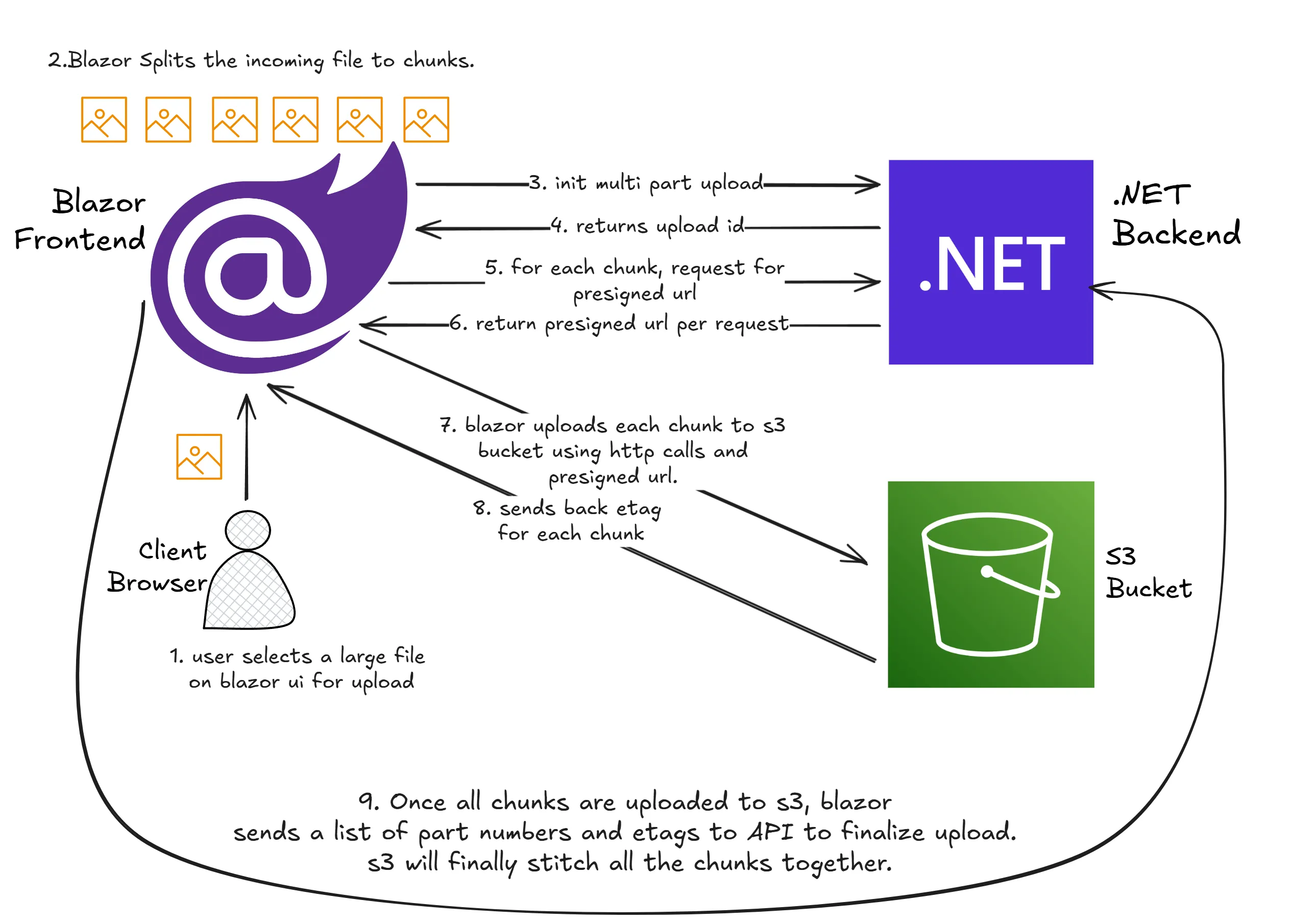
Users increasingly expect a simple "Paste URL → Import" flow. The hard part is not the input field — it's building a reliable backend that handles retries, large files, and async status updates.
Quick answer
The fastest reliable way to ship is:
- Validate URL input.
- Trigger async ingestion job.
- Track status by webhook.
- Update product state when complete.
Why this feature matters
"Import from URL" helps users:
- Bring existing media/assets into your product quickly
- Skip manual download/re-upload steps
- Automate repetitive content workflows
It also increases activation speed and can improve conversion to paid plans when tied to core workflows.
Build vs buy decision matrix
| Factor | Build in-house | Use managed ingestion API | |---|---|---| | Time to MVP | Slower | Faster | | Ops burden | Higher | Lower | | Flexibility | Maximum | High (within API model) | | Reliability setup effort | Significant | Mostly offloaded | | Best fit | Large platform teams | Product teams shipping quickly |
Reference architecture
- Client input layer: URL capture + basic validation
- Validation layer: content-type checks, allow/deny rules
- Async worker/ingestion job: fetch + process remote asset
- Storage + metadata: write output and status records
- Webhook/event pipeline: notify your app of completion/failure
MVP in 1 day (using Importly)
- Add URL input to your app
- Call Importly ingestion endpoint with callback URL
- Store job ID and set
pendingstatus - Implement webhook endpoint
- On completion, persist output URL and unlock feature state
Week-by-week rollout plan
Week 1: Core path
- URL submit
- Async ingestion trigger
- Completion/failure states
Week 2: Reliability layer
- Retry/backoff
- Idempotency handling
- Better user error messaging
Week 3: Optimization
- Throughput tuning
- Analytics dashboards
- Conversion and activation experiments
Common edge cases to handle
- Redirect chains and expiring URLs
- Unsupported formats/content types
- Very large files and timeout windows
- Duplicate submissions
- Source host instability
Metrics to track after launch
- Import success rate
- Median time-to-import
- Failure reason distribution
- Retry recovery rate
- Activation/conversion lift for importing users
FAQ
How long should a first version take?
A practical MVP can ship in a day or two if you offload ingestion infrastructure and focus on product integration.
Do I need queues and workers immediately?
Not if your ingestion provider handles async processing. You can add deeper internal queueing as scale grows.
What is the biggest launch mistake?
Treating import as synchronous and skipping robust failure states. Always design around async completion.