URL to Media API
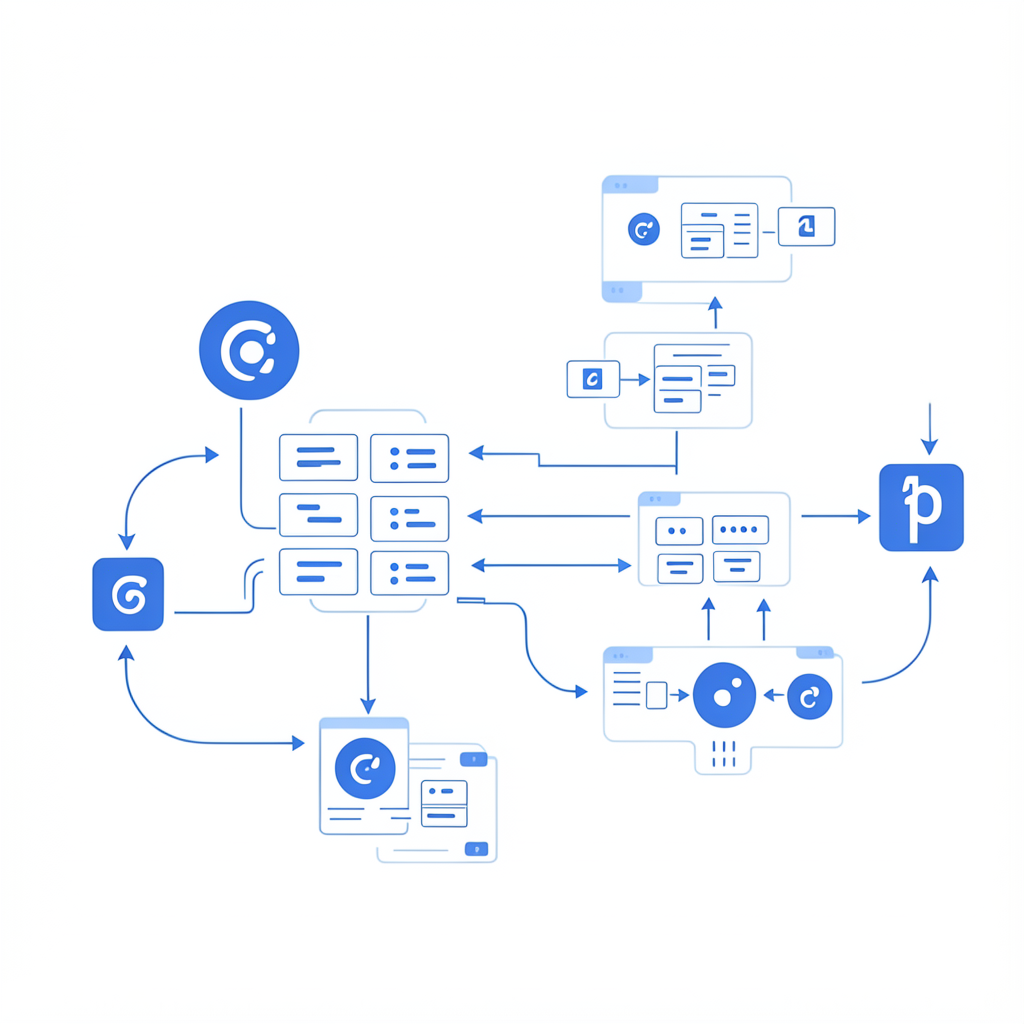
A URL to media API lets your app turn public links into structured, usable media outputs without building brittle ingestion logic in-house.
Importly is optimized for developer and no-code workflows where reliability, async processing, and automation readiness matter. Instead of stitching together ad-hoc scripts and one-off retries, you get a predictable ingestion layer your team can trust in production.
What this unlocks
- Add “import by link” as a customer-facing feature
- Automate media retrieval in Zapier/Make/n8n pipelines
- Process user-submitted media links in backend services
- Route outputs to storage and downstream jobs automatically
The benefit is less about “can we fetch this URL?” and more about “can we process this URL reliably at scale?” A dedicated URL-to-media API gives you consistent behavior across variable input sources, including redirects, intermittent host issues, and asynchronous completion requirements.
Example request
bash
Why this beats ad-hoc ingestion scripts
- Better reliability under real-world URL variance
- Cleaner async behavior for app production workloads
- Lower maintenance burden for your engineering team
- Faster path from SEO traffic to first product activation
Most teams underestimate maintenance overhead until volume grows. One failed host or source format edge case can trigger support load, manual retries, and broken downstream automations. A proper API layer prevents your product team from getting stuck in infrastructure churn.
Architecture pattern you can implement today
A practical reference architecture looks like this:
- User or automation sends source URL to your backend
- Backend validates input and creates an import request
- Import job runs asynchronously and emits status updates
- Completion event sends output URL + metadata to your webhook
- Backend stores final output and triggers next workflow step
In this model, your database stores import state transitions (queued, processing, completed, failed) and your UI can reflect real-time progress. That creates a significantly better user experience than silent background jobs.
Reliability checklist for production teams
Before rolling this out broadly, confirm you have:
- Webhook retries + replay support
- Idempotent processing in completion handlers
- Monitoring for failure rates and callback latency
- Alerting on stuck jobs beyond expected SLA
- Clear fallbacks when source URLs are unavailable
These guardrails make the difference between a demo feature and a production-grade ingestion capability.
Using this for no-code automation
For no-code builders, the same architecture still applies. Trigger import jobs from Zapier/Make/n8n, then listen for webhook completion events to continue flows (summaries, moderation, publishing, notifications, etc.). Keeping everything event-driven prevents brittle “wait X seconds then guess completion” logic.
FAQ
What does URL to media API mean in practice?
It means your app can send a source URL and receive normalized media output through an API-driven job workflow.
Can I use this in no-code tools?
Yes—Importly fits no-code automation patterns via API calls + webhook callbacks.