Video Automation with n8n
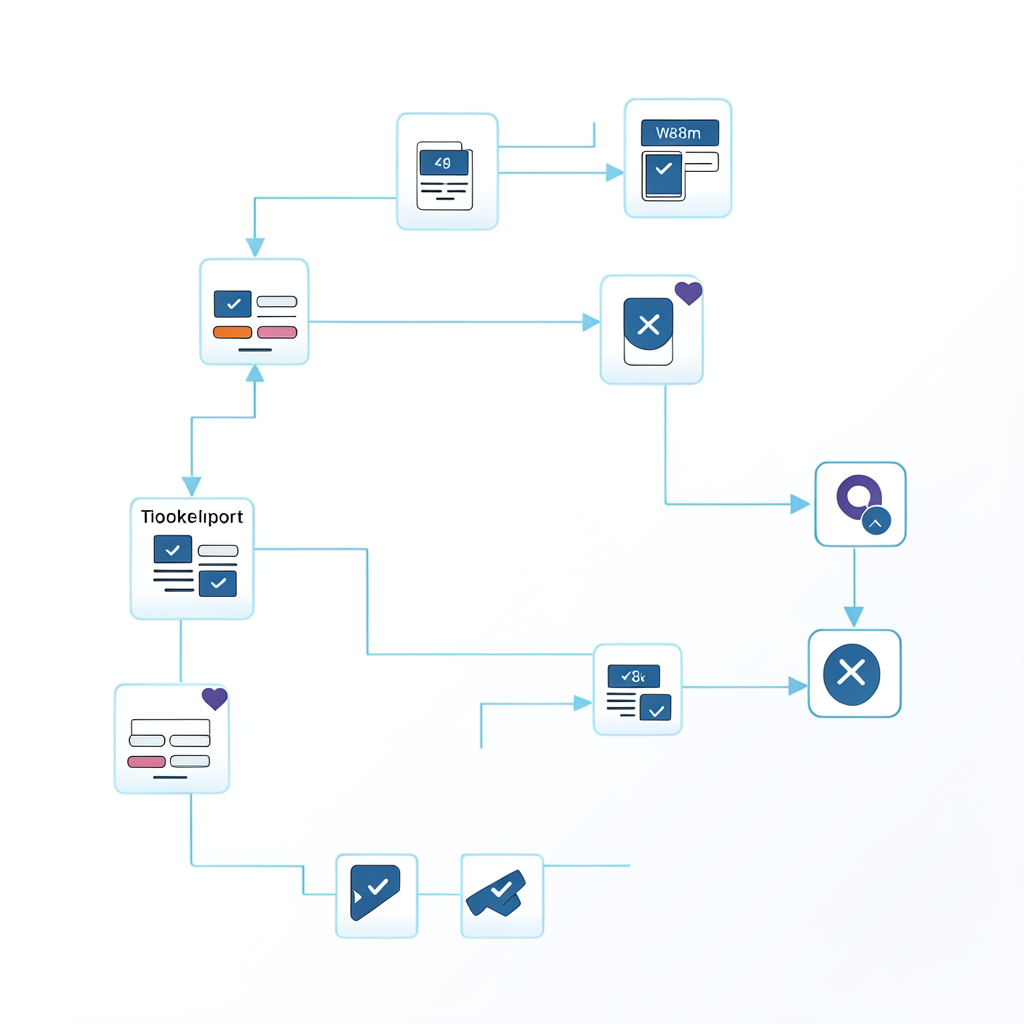
If you need full control over workflow infrastructure, video automation with n8n is a strong path. n8n is especially useful for teams that prefer self-hosted orchestration, custom logic, and flexible integration between internal systems and external APIs.
For URL-to-media workflows, n8n fits naturally: trigger an import from a source event, process asynchronous callbacks, route outputs to storage and systems of record, and trigger downstream actions.
Why teams choose n8n
n8n is a good fit when you need:
- self-hosted automation in your own environment
- custom code nodes for advanced transformations
- event-driven workflows with robust branching
- tighter integration with internal services and databases
- lower dependency on SaaS-only automation limits
It gives technical teams more control over execution behavior and data flow.
Recommended architecture
- Trigger receives source URL (webhook/form/database event)
- n8n workflow calls import endpoint
- Job ID and state are persisted
- Callback webhook node handles completion events
- Success/failure branches process outcomes
- Notifications and downstream pipelines are triggered
This keeps automation asynchronous, observable, and resilient.
Reference n8n flow
Workflow A: Submit import
- Trigger: webhook or DB watch node
- HTTP node: POST to import endpoint
- DB/Sheet node: write job ID, source URL, status
Workflow B: Completion callback
- Webhook node: receive API callback
- IF node: branch by
completedvsfailed - Success branch:
- persist output URL/metadata
- trigger publish/transcript flow
- send Slack/email confirmation
- Failure branch:
- mark failed
- enqueue retry or alert queue
Splitting workflows improves debuggability and replay safety.
Reliability controls (must-have)
To run this in production:
- enforce idempotency at submission time
- deduplicate callback events by job ID
- verify webhook signatures where possible
- track retry counts and terminal failures
- keep dead-letter handling for repeated errors
Automation reliability is architecture, not platform magic.
Practical use cases
- Internal media ops: source links → import → indexed storage updates
- Publishing pipeline: ingest URL → process callback → CMS draft update
- Customer delivery flow: user request → import → notify with output URL
These flows reduce manual handoffs and improve throughput consistency.
n8n vs Make vs Zapier
- n8n: best for self-hosted/custom logic requirements
- Make: excellent for visual branching and transformation-heavy SaaS workflows
- Zapier: fastest for straightforward linear automation
Many teams start with Zapier/Make and shift critical flows to n8n as complexity grows.
SEO-to-activation strategy
People searching this term usually want implementation patterns now. High-converting content includes:
- concrete workflow blueprint
- callback/retry guidance
- clear endpoint and webhook docs links
- CTA to run first automated import
That drives faster adoption from search traffic.
FAQ
Is n8n good for asynchronous media workflows?
Yes. Use webhook callbacks to advance workflow state after imports complete.
Do I need self-hosting for n8n?
Not strictly, but self-hosting is a common reason teams choose n8n.
Can non-engineers maintain n8n workflows?
Yes for many flows, but technical oversight helps for custom-code and reliability patterns.